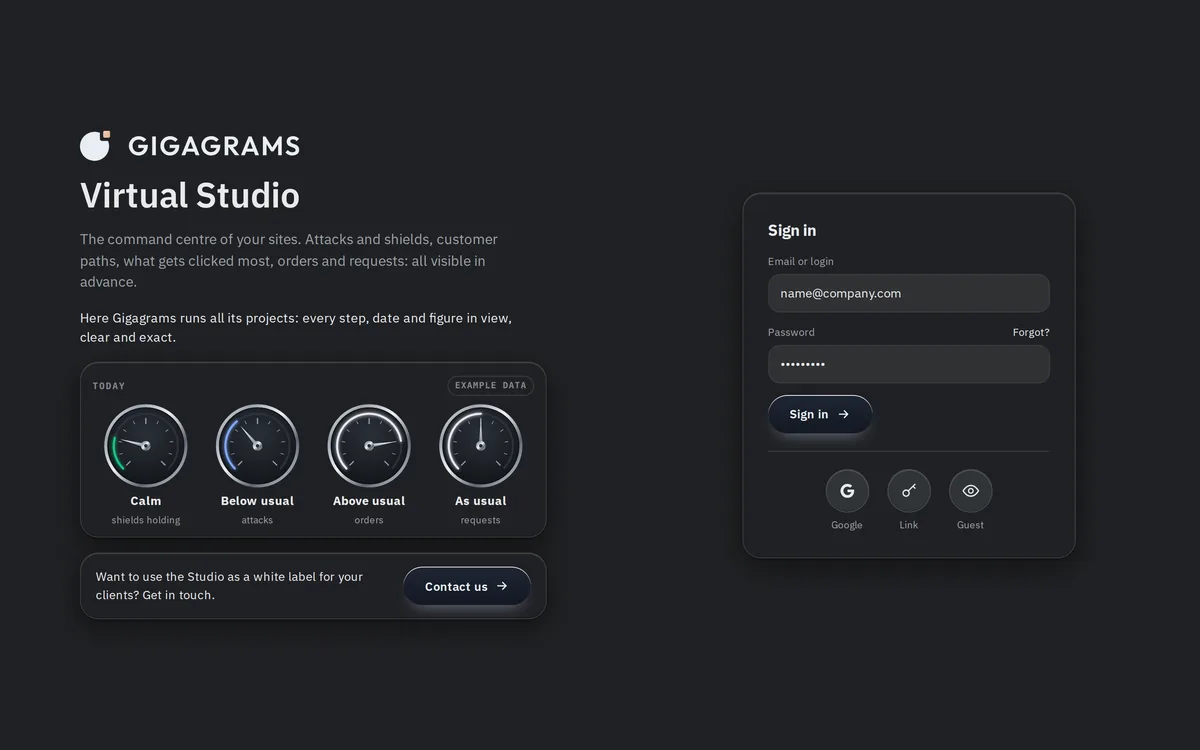
Sign in to your account
One account for you and your team. Sign in by email, Google, or another provider where possible.
Everything below is ours and on our servers. Nothing follows you to another site.
Who
How we work
Rebuild
VIRTUAL STUDIO · CLIENT WORKSPACE
Every Gigagrams project runs in a shared workspace, one account you and our team both use. One account shows all of your sites and every running project, and either side can check them at any time.

Try the Studio with example data: click and fill, nothing is saved
WHAT YOU DO INSIDE
Three things a client does in the Studio, shown in the approved design.
One account for you and your team. Sign in by email, Google, or another provider where possible.
Every question has a note box, and the estimate shows a live figure while you answer, then the exact figure after review.
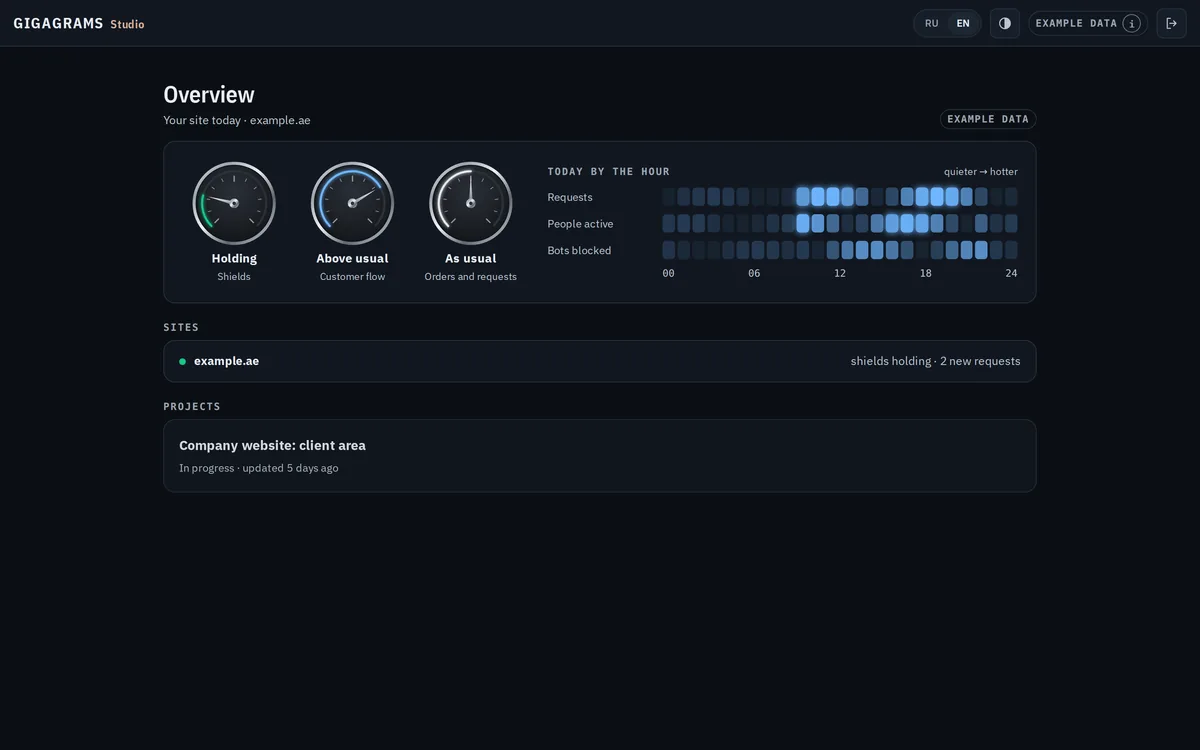
One account shows all of your sites and projects: today against a usual day on three gauges, the day by the hour, then each project.
WRITTEN IN ADVANCE
The same for every client, visible in the workspace.
| Workspace | Every project runs in a shared workspace |
|---|---|
| Review rounds | A maximum of 3 per milestone, agreed in advance, written into the contract, visible in the workspace |
| Signing | Estimates and agreements signed digitally inside your own account |
| Sign-in | Email, Google, and other providers where possible |
HOW A PROJECT RUNS
The full walkthrough is on How it works.
The estimate is reviewed and signed digitally, in the account you use for the rest of the project.
Each milestone carries a maximum of three review rounds, written into the contract.
Staging opens inside the account, with no separate password and a full-screen view.
The workspace keeps the documents and the sign-off history after the project ships.
STRAIGHT ANSWERS
The ones that come up before anyone signs anything.
A shared workspace: one account you and our team both use. Steps, documents, sign-offs and comments live in one place, and either side can check them at any time.
By email, Google, or another provider where possible. Use the Sign in to the Studio button on this page.
Estimates and agreements are signed digitally inside your own account, not sent back and forth by email. The signed version stays in the workspace, with the milestone it belongs to.
A maximum of three review rounds per milestone, agreed in advance and written into the contract. The workspace shows how many are used.
Sign in to follow every running project, or start a new one.
One tap, then your app opens with it written.